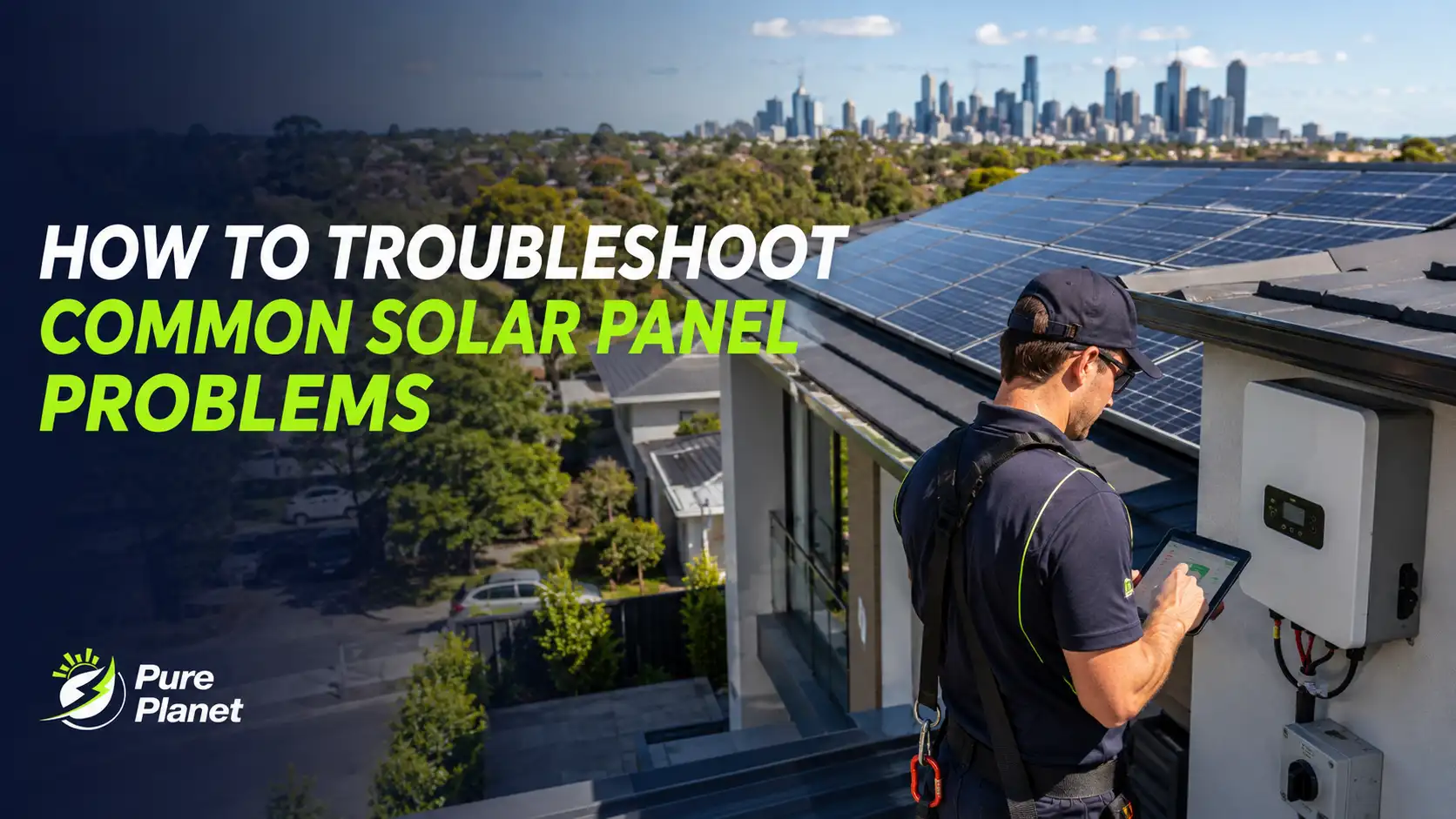
Your solar system was running fine and now something's off. The output has dropped, the inverter is showing a light you haven't seen before, or your electricity bill came in higher than it should. This guide walks through the most common solar problems Australian homeowners face, what causes each one, and exactly what to check before calling your installer.
Table of Contents
- 1.Most Solar Problems Are Not in the Panels
- 2.Quick Solar Fault Checklist
- 3.Low Solar Output on a Clear Day
- 4.Inverter Fault Lights and Error Codes
- 5.One Part of Your System Is Underperforming
- 6.Zero Output: The System Has Completely Stopped
- 7.Why Your Power Bill Is Still High
- 8.Visible Panel Damage and Hotspots
- 9.Can Weather Affect Solar Panel Performance?
- 10.When to Stop Troubleshooting and Call a Professional
- 11.Conclusion
Most Solar Problems Are Not in the Panels
When a solar system underperforms or stops working, the panels themselves are rarely the cause. The most common fault sources are the inverter (grid disconnection, overheating, or error codes), the switchboard (a tripped circuit breaker), or shading not the panels physically failing.
This matters because it changes where you look first. Solar panels degrade slowly over 25 years; they don't suddenly fail. Inverters, on the other hand, can trip, overheat, or disconnect from the grid in minutes. Starting your diagnosis at the inverter not the roof saves time in almost every case.
For a full picture of how your system's components work together, our guide on how to monitor solar system performance effectively explains what each reading in your monitoring app actually means.
Quick Solar Fault Checklist
Low Solar Output on a Clear Day
If your system is producing noticeably less than it did on a similar day last month and it's sunny the most common causes are dirty panels, new shading, or panels running too hot in extreme heat.
Check these in order:
Dirty panels — dust, bird droppings, and pollen are the top cause of output drops in Australian systems. Even a thin film reduces light absorption significantly. If panels haven't been cleaned in 6–12 months, start here. A gentle rinse with a garden hose in the early morning (before the panels heat up) is often enough.
New shading — trees grow. Check whether anything has grown tall enough to cast a shadow across any part of your roof during the main solar production window (10am–2pm). Even partial shading on one panel can reduce output across an entire string.
Panel temperature — solar panels become less efficient above 25°C. On days above 35°C, output can drop 10–20% from rated capacity. This is normal and recovers as the temperature cools. If output drops every hot day but otherwise looks correct, this is the reason.
Check your inverter's monitoring app and compare today's output to a similar clear day from the same month last year. A consistent 10–15% drop suggests panel soiling. A sharper unexplained drop points toward an inverter or string issue.
For tips on how to keep your solar panels performing efficiently year-round, our maintenance guide covers the full cleaning and inspection routine.
Inverter Fault Lights and Error Codes
An inverter fault light or error code means the system has detected an issue and has stopped exporting power to protect itself or the grid. Many of these resolve on their own but some require action.
Common error types and what they mean:
Grid over-voltage (Fronius: "State 102", Sungrow: "Grid Voltage High") — the grid voltage at your property is too high for the inverter to safely export power. This is common in areas with high solar uptake and can cause the inverter to disconnect temporarily. If it happens frequently, a licensed electrician can adjust the inverter's voltage settings.
Isolation fault / ground fault — the inverter has detected an unexpected path between the DC circuit and earth. Do not reset this yourself. Switch off at the isolator and call a CEC-accredited installer. This is a potential safety fault.
Communication error — the inverter is not connecting to your monitoring app or the internet. This is often a Wi-Fi issue, not an inverter fault. Check your router first.
Over-temperature shutdown — the inverter has shut down to protect itself from heat. Check that there's nothing blocking the ventilation area around the unit. Inverters should not be installed in direct sunlight or enclosed spaces without airflow.
When in doubt, locate the error code in your inverter's user manual and follow the manufacturer's guidance before calling anyone. Most common errors are documented with clear resolution steps.
One Part of Your System Is Underperforming
When a single string or section of your array is underperforming, visible in monitoring apps that show per-string or per-panel data the cause is usually shading on one panel in that string, a faulty panel, or a loose DC connection at the junction box.
In standard string inverter systems, panels are wired in series. If one panel in a string is shaded or faulty, it drags down the output of every other panel in that same string. This is why a single shaded panel can cut string output by 30–50%.
If you have Enphase microinverters, each panel operates independently a fault on one panel only affects that panel's output, making the problem much easier to identify in the Enlighten app.
If you have a Fronius, SMA, or Sungrow string inverter, the monitoring app will show total string voltage and current. A significant drop in one string is a clear signal to call your installer.
Zero Output: The System Has Completely Stopped
If your monitoring app shows zero production during daylight hours, check the inverter's power button and the main DC and AC isolator switches before anything else. A tripped isolator is the most common cause and takes 30 seconds to check.
Step-by-step check:
Go to your switchboard and look for the solar AC isolator (usually labelled "Solar Supply Main Switch" or similar). Check it in the ON position.
Check the solar DC isolator at the inverter itself, usually a red switch on or near the inverter.
Look at the inverter display. Is it off, or showing a fault code? A blank display with isolators in the ON position usually means the inverter has lost power to the display check the AC circuit in the switchboard.
If all switches are on and the display is blank or frozen, call your installer. Do not attempt to open the inverter casing.
A complete shutdown is sometimes triggered by a grid outage in your area. Check whether your street has had a power interruption. The inverter should restart automatically once grid power is restored.
Why Your Power Bill Is Still High
If your solar app shows the system is producing power but your electricity bill hasn't changed, the most likely explanations are increased household consumption, panels not meeting the expected output because of a problem, or a mismatch between your solar tariff and your usage pattern.
What to check:
Compare your monitoring data with your bill — the app shows production; your bill shows what you imported from the grid. If production looks correct but import hasn't dropped, your household is using more electricity (new appliances, EV, or extra occupants) and consuming everything the panels produce before it can offset the bill.
Check your feed-in tariff credits — if your retailer is crediting you for exported power but at a very low rate (3–6 cents/kWh), the credits won't offset the higher cost of evening grid imports. The solution is either a battery or shifting heavy appliance use to solar hours.
Confirm the system is correctly connected to your meter — a CEC-accredited installer can verify the metering configuration is correct and that your export is being recorded accurately.
Use the Pure Planet savings calculator to check whether your expected savings match what you're seeing on your bill.
Visible Panel Damage and Hotspots
If you can see discolouration, burn marks, cracked glass, or yellowing in individual cells from the ground, the panel has either a hotspot, a micro-crack, or delamination — all of which reduce output and can worsen over time. Do not attempt to inspect or touch the panels yourself.
What each looks like and what it means:
Brown or black spots on cells — classic hotspot caused by a defective cell drawing more current than its neighbours. Can worsen into complete cell failure.
Yellowing across the panel surface — delamination of the encapsulant, usually caused by prolonged moisture ingress or age. Reduces output and can accelerate.
Cracked or shattered glass — impact damage (hail, falling debris). The panel should be isolated and replaced — cracked panels carry a water ingress and electrical risk.
Individual cell lines appearing white — micro-cracks from physical stress. Often not visible to the naked eye; thermal imaging during a professional inspection identifies them accurately.
If you spot any of these, photograph them and contact Pure Planet. Most quality solar panels from Tier-1 manufacturers come with 12–15 year product warranties and 25–30 year performance guarantees that cover manufacturing defects.
Can Weather Affect Solar Panel Performance?
Australian weather can temporarily affect solar performance, but it doesn't usually damage a properly installed system.
Heavy clouds naturally reduce electricity production, while very high temperatures can lower panel efficiency during the hottest part of the day. Strong winds generally don't affect performance unless debris damages the panels, and hail is rarely a problem because most modern solar panels are tested to withstand severe weather conditions.
If your system's output returns to normal once the weather improves, there is usually nothing to worry about. However, if performance remains low after a storm, arrange a professional inspection to check for hidden damage.
When to Stop Troubleshooting and Call a Professional
Stop troubleshooting and call a CEC-accredited installer immediately if you see an isolation fault or ground fault on your inverter, notice burning smells near any component, find physical damage to wiring or junction boxes, or experience repeated shutdowns that don't self-resolve.
The rule is simple: anything involving DC wiring, the inverter internals, or physical contact with the panels must be handled by a licensed professional. DC voltage in solar systems can be lethal it cannot be switched off by removing the AC supply, because the panels continue generating as long as there's daylight.
What you can safely do yourself: cleaning, checking isolator switches, verifying app readings, and observing from the ground. Everything else is for the installer.
If your system is still under Pure Planet's 5-year workmanship warranty, contact us directly — faults covered under warranty are resolved at no cost.
💡 Pro Tip
Set a monthly reminder on your phone to open your inverter app and check two numbers: today's production versus the same day last month. You don't need to analyse anything in depth just ask "does this look right?" A sudden unexplained drop of 20% or more on a clear day is worth investigating. Catching a fault in month two costs far less to fix than catching it a year later.
Conclusion
Most solar problems have simple, identifiable causes dirty panels, a tripped switch, a temporary inverter disconnection, or a shading issue that crept up as a tree grew. Working through them systematically, starting with the inverter and monitoring app before assuming the panels are at fault, resolves the majority of issues quickly.
When something is beyond a basic check, Pure Planet's in-house CEC-accredited team covers diagnosis, warranty claims, and repairs across all of Victoria with no subcontractors involved. Book a fault assessment and we'll identify the problem and give you a clear, honest answer on what it takes to fix it.